82.990 kr. – 99.990 kr.
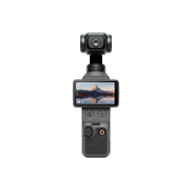
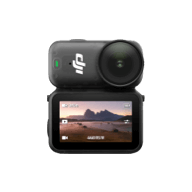
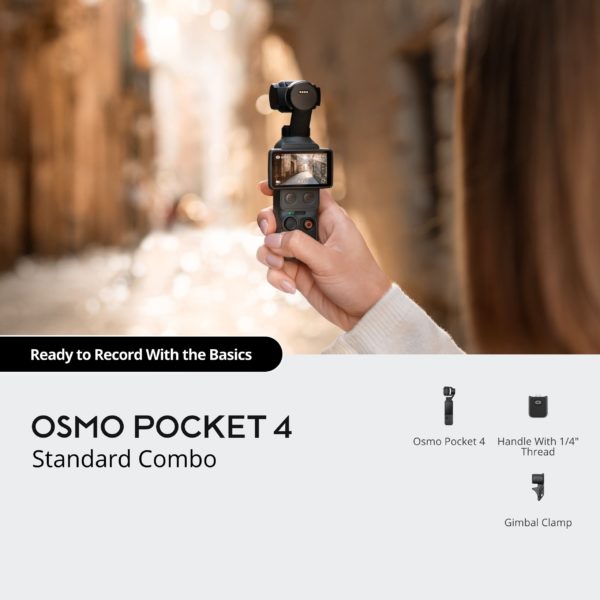
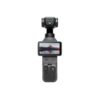
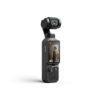
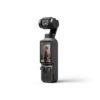
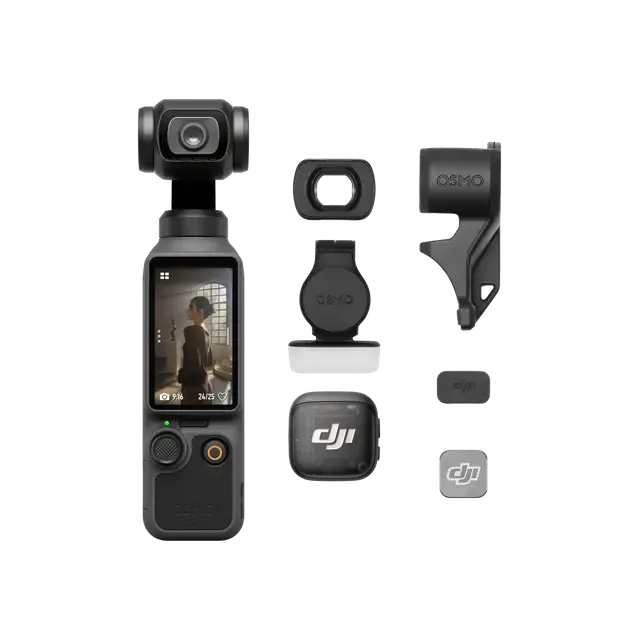
Powered by a 1-inch CMOS sensor, Osmo Pocket 4 captures stunning 4K/240fps footage [1] and clear low-light shots. It delivers cinematic depth via 14 stops of dynamic range [2] and 10-bit D-Log [3]. Its 2× lossless zoom [4] and 3-axis stabilization bring distant beauty within reach. Just rotate the screen to record!
99.990 kr.
Ekki til á lager
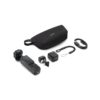
Creator Combo additionaly includes DJI Mic 3 Transmitter, Wide-angle lens, Fill Light, Mini Tripod, Carrying Bag and more. Capture every moment with a range of accessories and create with ease.
82.990 kr.
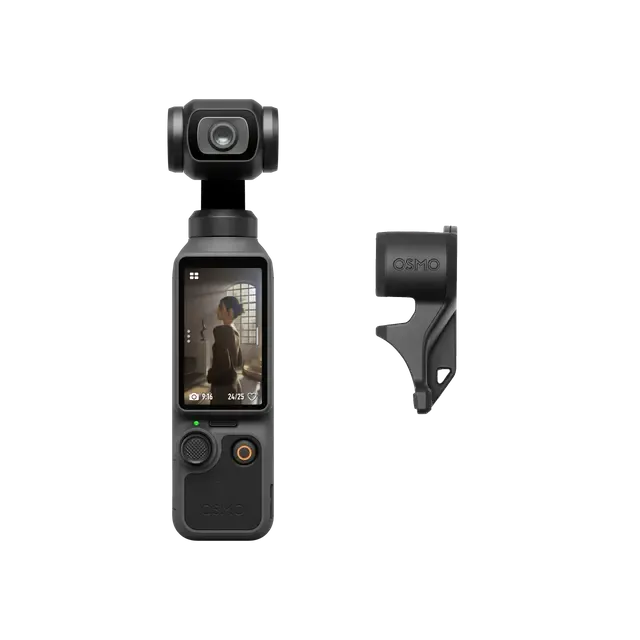
Includes the gimbal camera, Gimbal Clamp, Handle With 1/4″ Thread, Portable Carrying Pouch, and more, packing all the essentials for your everyday creation.

9.990 kr.

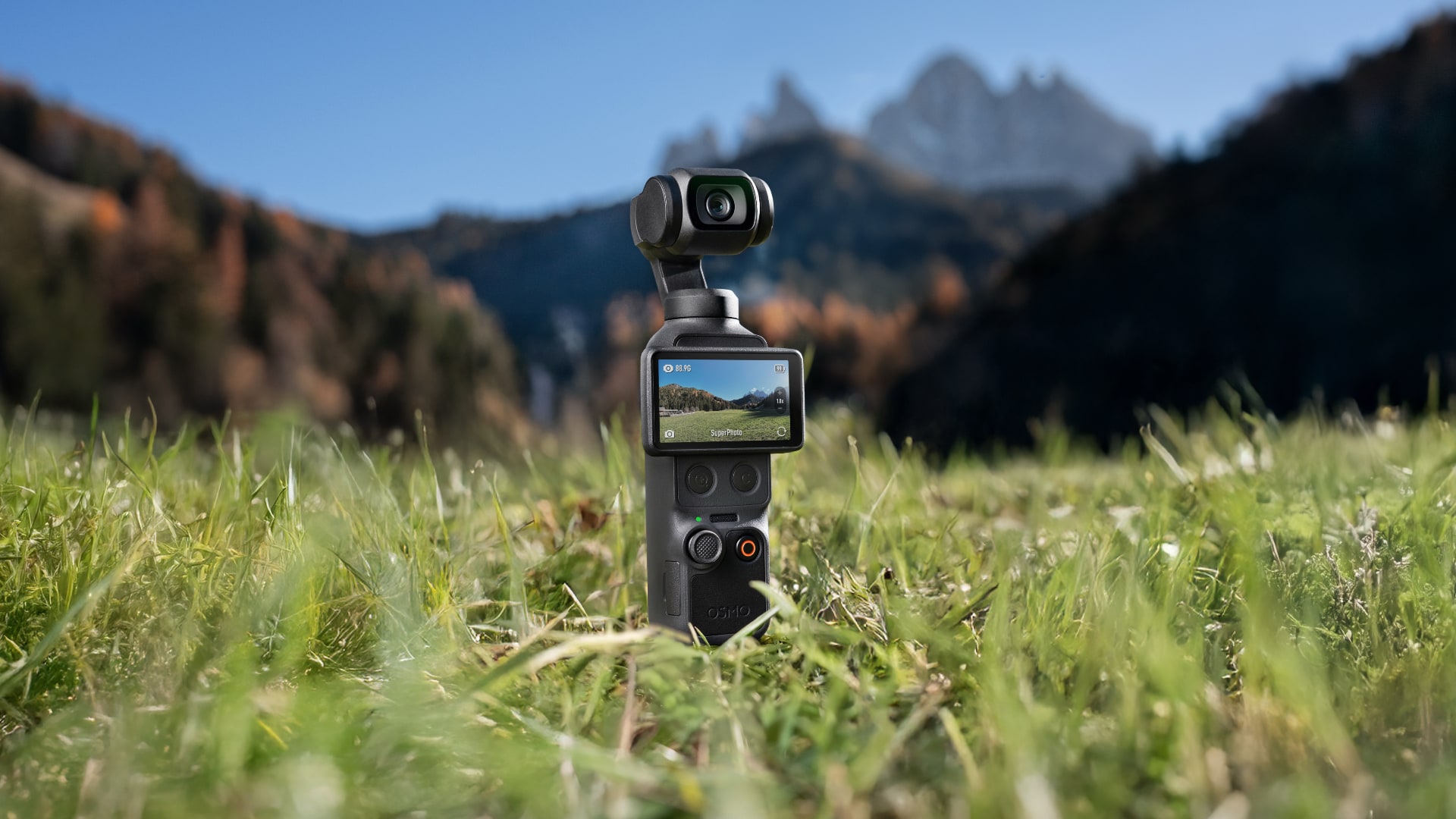
| 5D Joystick | Two New Buttons | 2″ Rotatable Touchscreen | 1″ CMOS Sensor |
|---|---|---|---|
| Back (Press once) Recenter gimbal (Press twice) Flip camera (Press three times) | Switch 1×/2× (Press Zoom button once) Switch to 4× (Press Zoom button twice) Custom preset (Press and hold Custom button) | 1000-nit OLED display Rotate to capture | 4K/240fps [1] 14-stop dynamic range [2] f/2.0 aperture |
Osmo Pocket 4’s new 1-inch CMOS and f/2.0 aperture create soft bokeh for dimensional, clear portraits. With 14-stop dynamic range [2] and 10-bit D-Log [3], it captures rich details and authentic colors, even in high-contrast scenes like the seaside or dusk.
Enjoy 2× lossless zoom [4] for sharp, clear footage, even from a distance. Simply tap the dedicated zoom button once to switch between 1× and 2× views, capturing each moment just as you imagine.
Record in 4K/240fps [1] to slow down life’s joyful moments, capturing every frame with smooth, sharp clarity.
Compact and portable, Osmo Pocket 4 records everything from family moments to travel adventures, and is ideal for vlogs and live streams. For a life unscripted, you need a tool that’s ready.
| Family Moments | Vibrant Landscapes | Vivid Cityscapes | On-the-Go | Pro-Level Creation |
|---|---|---|---|---|
| Effortlessly capture smiles and playful moments, preserving the warmth of family time. | Enable D-Log for flexible post-editing and true-to-life restoration of every color and light detail. | Capture vibrant streets and glowing skylines with sharp, stable footage. | Compact and durable, it travels with you to capture the people and places that make every journey unforgettable. | Create high-quality vlogs and livestreams with ease using 3-axis stabilization and 4K imaging. |
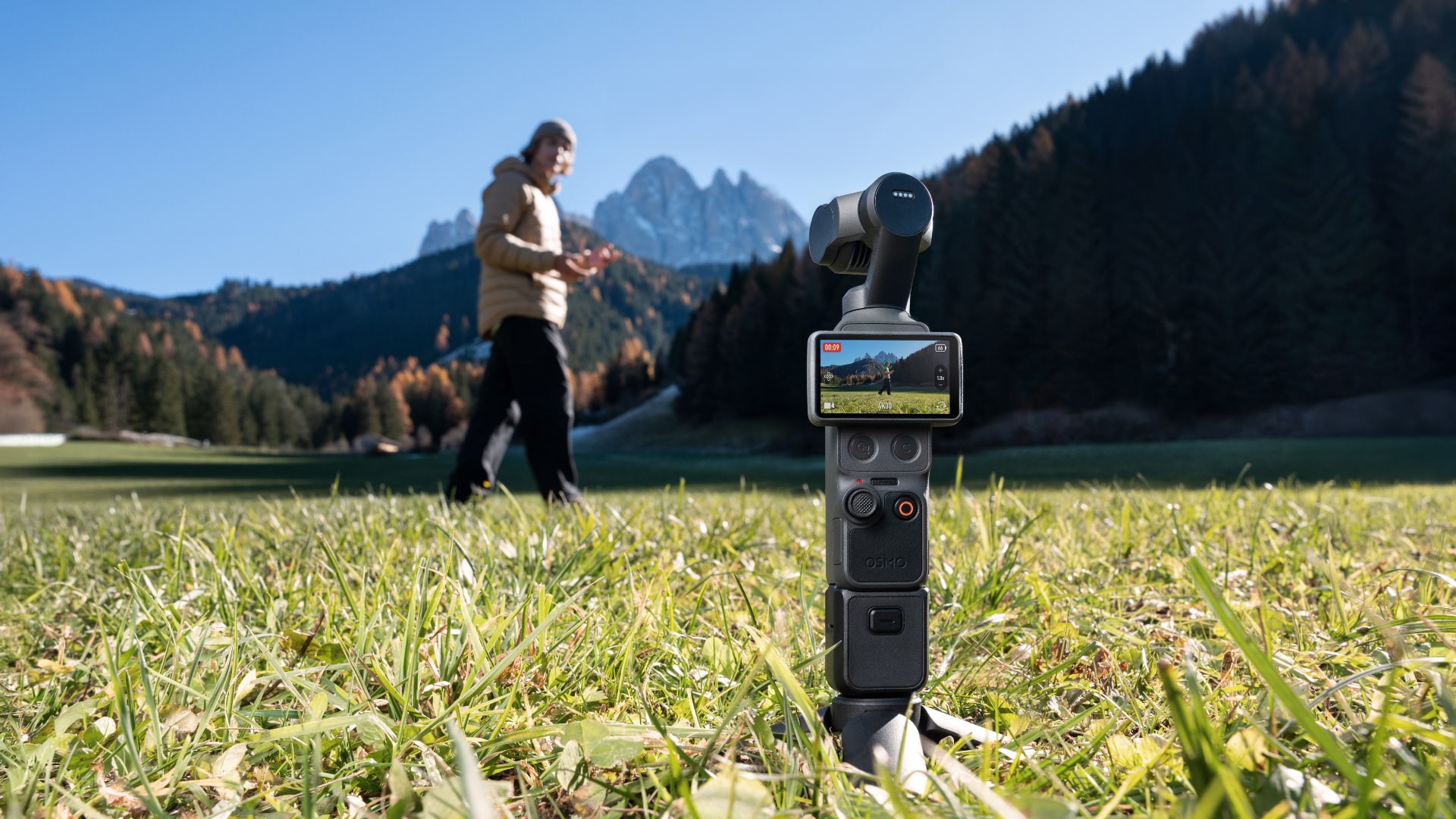
Walk, film, and create effortlessly with 3-axis stabilization. From playing kids to scenic views, Osmo Pocket 4 keeps every moment steady. Plus, multiple gimbal modes allow for even smoother, silkier camera movements.
Osmo Pocket 4 supports ActiveTrack 7.0 [6], capable of tracking distant subjects even at 4× zoom. With tracking modes such as Spotlight Follow and Dynamic Framing, capturing cinematic, single-handed shots becomes effortless.
Intelligent autofocus keeps your subject sharp. Enable “Subject Lock Tracking” [8] to automatically lock onto and track your subject; simply tap a detection box on the screen to switch focus subjects. Alternatively, use “Registered Subject Priority” [8] to prioritize focusing on a pre-registered subject.
Gesture Control [9] on Osmo Pocket 4 places you in charge.
Palm Gesture: Show your palm to toggle ActiveTrack [6].
“V” Gesture: Flash a peace sign to take photos or start/stop recording.
Slow Shutter Video: Supports slow-shutter shooting in Video mode. Manually adjust shutter speeds to create motion blur, capturing movement trails and the passage of time for a unique visual experience.
SpinShot: The gimbal rotates 180° for smooth, single-handed shots.
Motionlapse: Easily set up to four positions for dynamic Motionlapse videos. From city lights to drifting clouds, condense hours into stunning seconds with one tap.
Auto Landscape/Portrait: Auto rotate mode intelligently adjusts according to screen orientation, optimizing framing needs for both short video and long video platforms.
Panorama Photo: Switch to Panorama mode to capture wide-open scenes in a single shot.
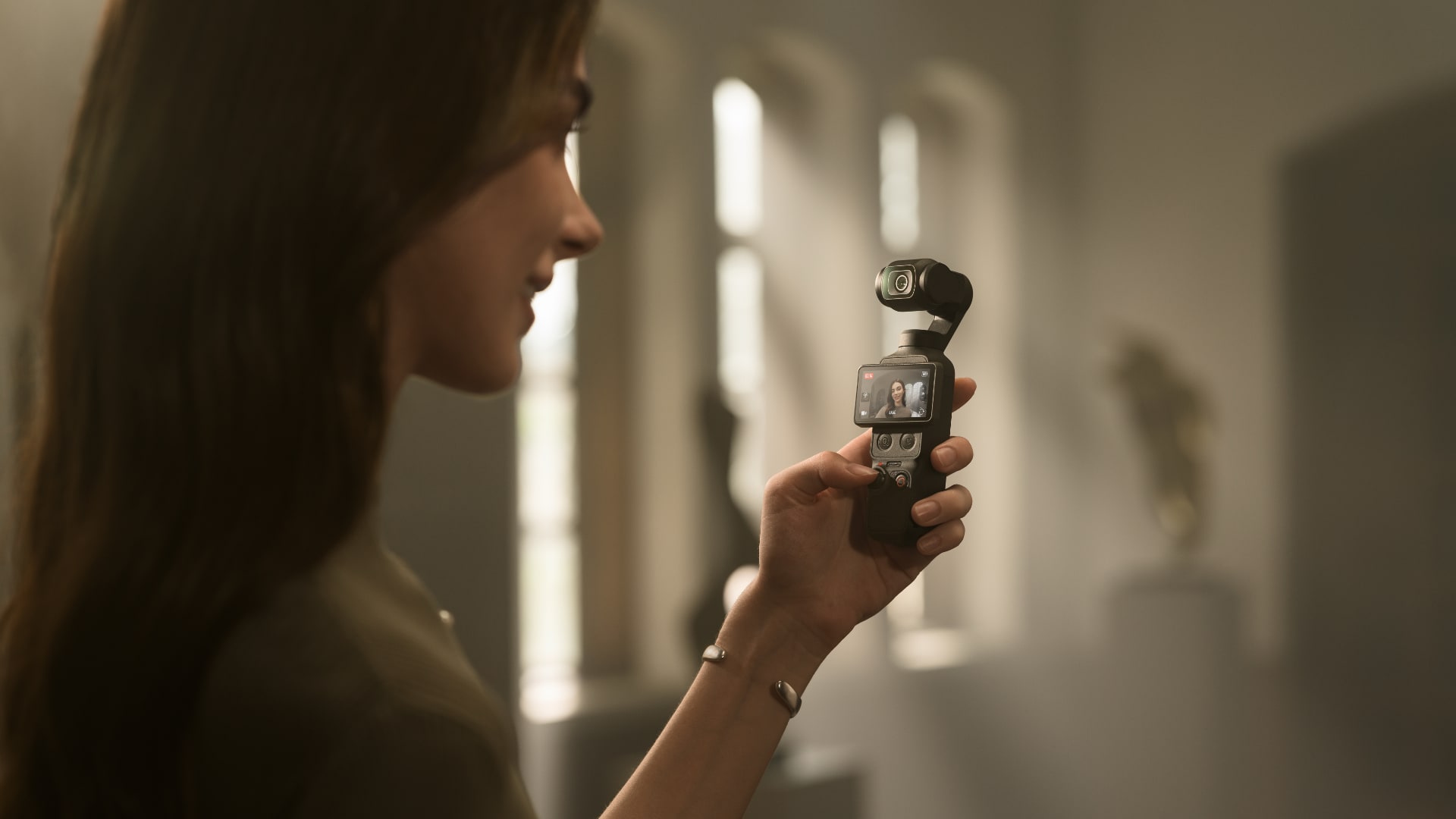
| Film Tone [10] | In-Camera Beautify [10] | App Glamour Effects [11] | Fill Light [13] |
|---|---|---|---|
| Choose from diverse film tones [10] to easily recreate classic styles and capture master-grade tones. | Enable in-camera Beautify [10]to fine-tune skin smoothness, brightness, and tone for a natural look in both selfies and group shots. | Apply Glamour Effects in the DJI Mimo app [12] to effortlessly enhance your portraits. | The compact Osmo Pocket 4 Fill Light features 3-level brightness and temperature adjustment. It delivers natural soft lighting for a beautifying effect in low-light or backlit scenes, making your selfies shine. |
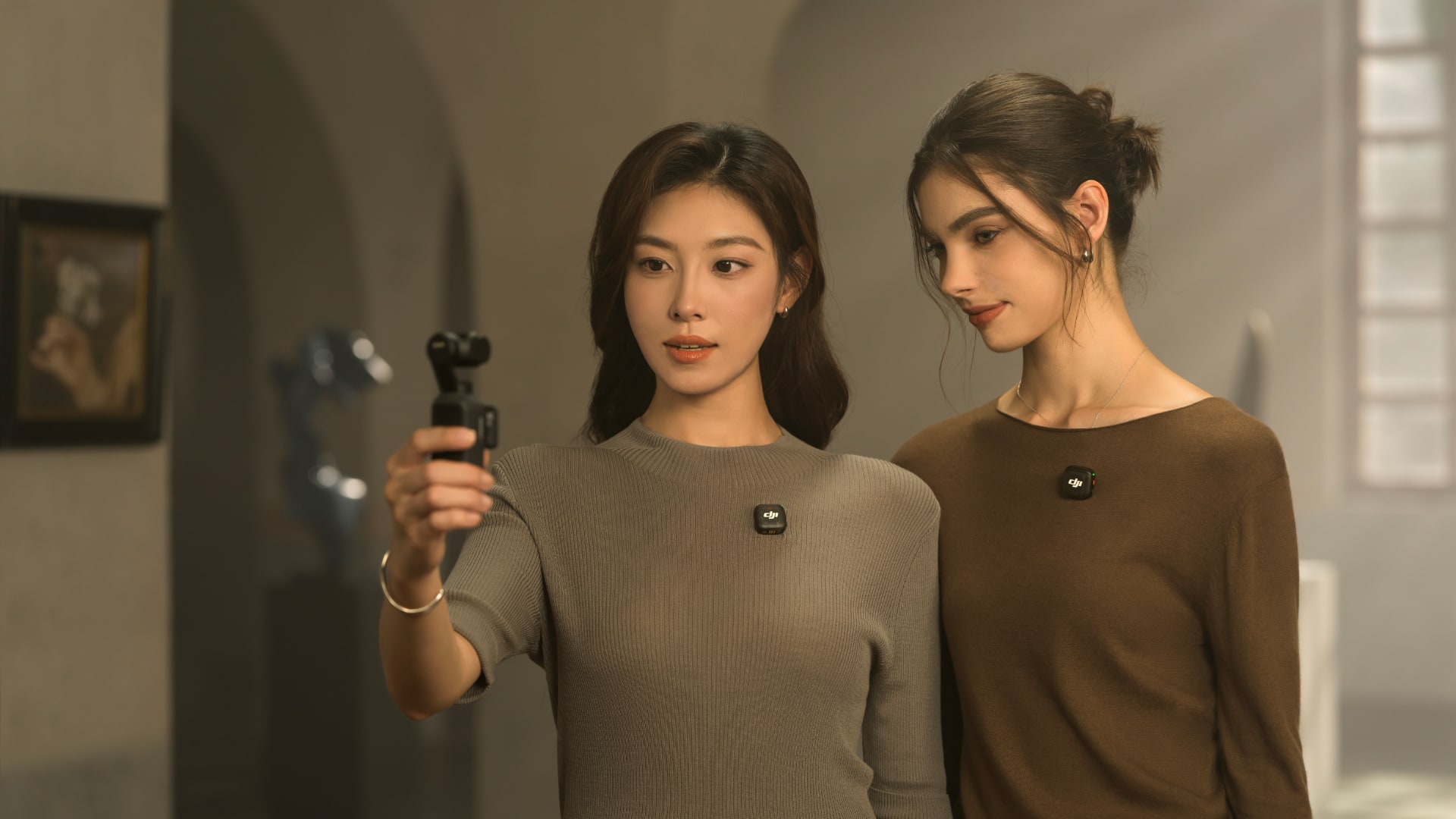
Osmo Pocket 4 supports direct connection to DJI Mic transmitters, enabling 4-channel audio recording. It captures clear vocals while simultaneously recording ambient sound through the built-in microphone array. Video editing software [14] can directly process the four audio channels, streamlining your creative workflow.
Spatial audio recording delivers a truly immersive listening experience on headphones. Audio zoom adjusts sound with distance as you zoom in or out, making playback more vivid and real.
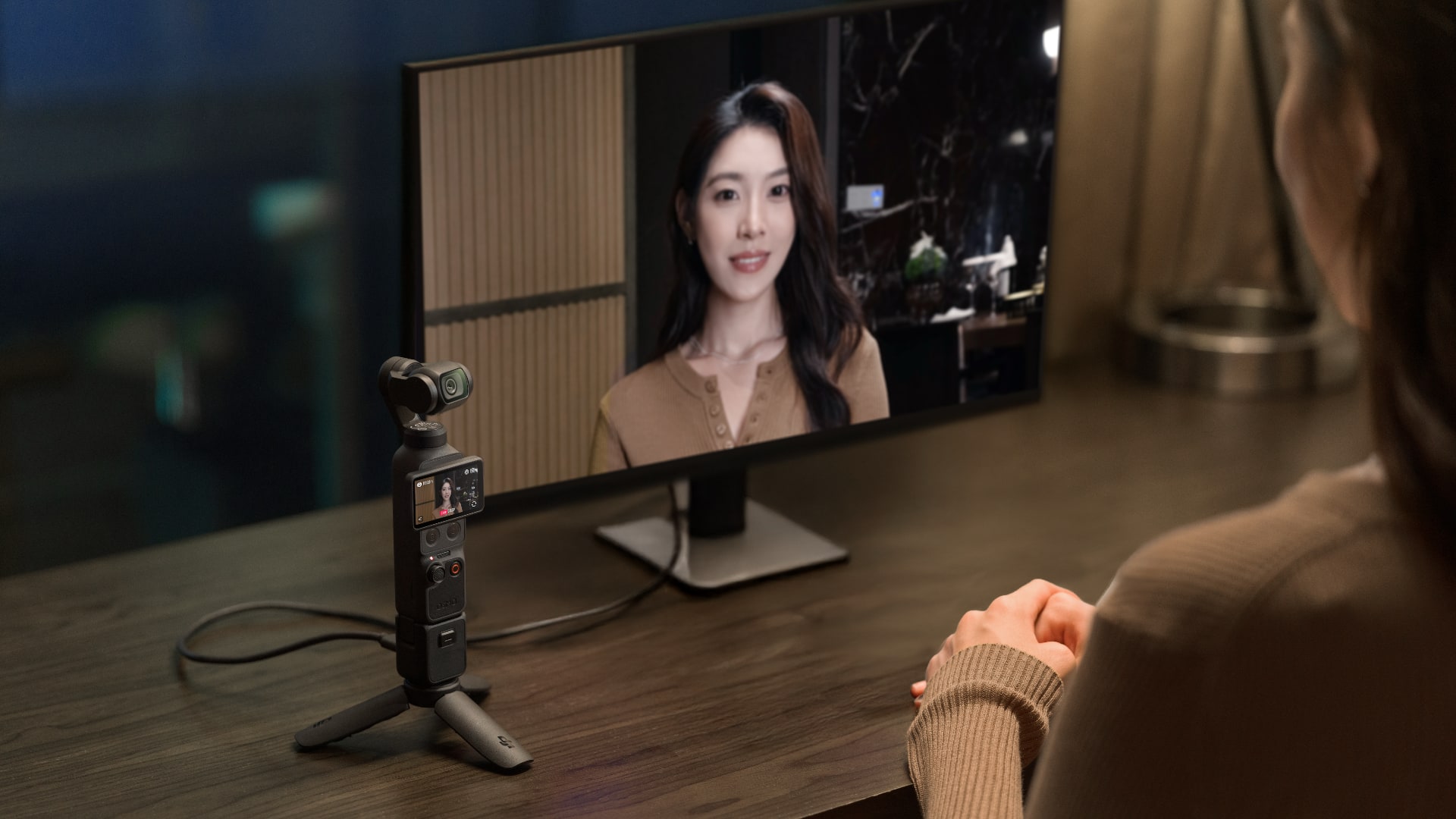
With 107GB of built-in storage and up to 800MB/s transfer [5], you can shoot and transfer footage in one go, without needing a memory card, streamlining your workflow.
Osmo Pocket 4 can be charged to 80% in just 18 minutes [15], providing up to three hours of shooting [16]. When fully charged, it can record up to 240 minutes of 1080p/24fps footage [16], giving you more time to get the shots you love.
The gimbal auto-locks for storage when powered off. Manual lock is also available for quicker, safer packing.
Supports 4K DisplayPort video output and 1080p Wi-Fi livestreaming [17] for smooth, stable broadcasts and business streaming.
Built-in timecode keeps drift under 1 frame in 8 hours [18], enabling fast, accurate multi-camera syncing in post-production.
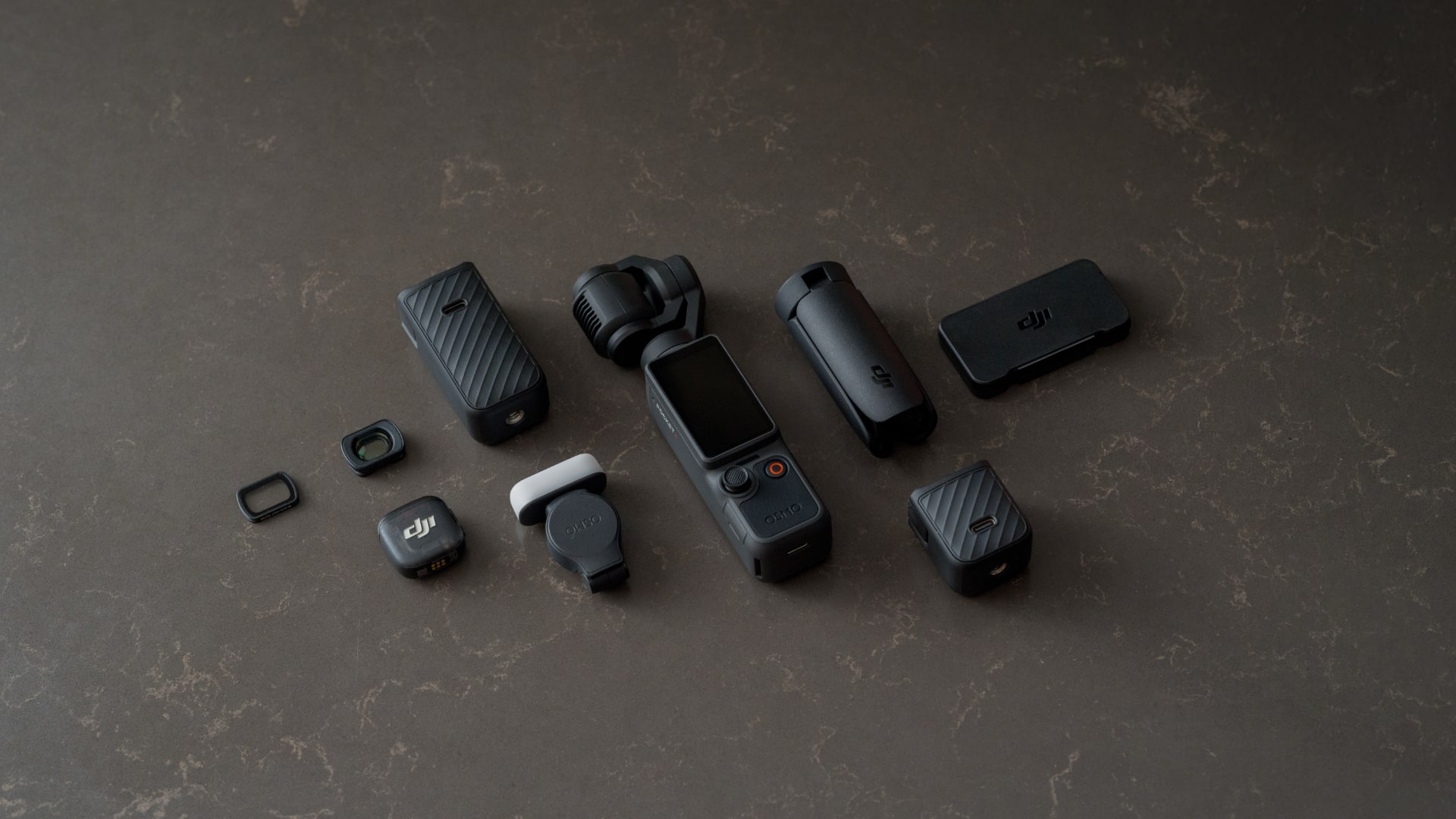
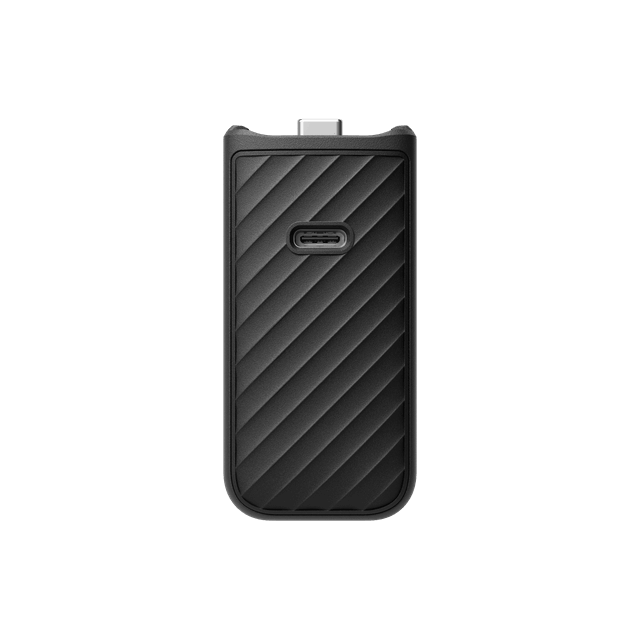
Osmo Pocket 4 comes with a range of versatile accessories, making it easy to create with balanced lighting, vibrant colors, and clear sound. Fill Light, Battery Handle, ND Filters, Black Mist Filter, and wireless microphones offer diverse creative options for captivating results.
| Osmo Pocket 4 | Osmo Pocket 3 | |
|---|---|---|
| Image Sensor | 1″ CMOS 14-Stop Dynamic Range [2] | 1″ CMOS |
| Max Video Specification | 4K/240fps [1] | 4K/120fps [19] |
| Color Profile | D-Log [3] | HLG/D-Log M |
| Tracking & Focusing | ActiveTrack [6], Intelligent AF | ActiveTrack [6], Full-Pixel PDAF |
| Zoom | 2× Lossless Zoom [4] Available in ActiveTrack and D-Log modes; supports continuous zoom while recording. | 2× Lossless Zoom [20] |
| Beauty & Glamour | App Glamour Effects [11] In-Camera Beautify [10] Film Tone [10] | App Glamour Effects [11] |
| Storage & Transfer | 107GB Built-in Storage Supports Wi-Fi 6 & USB 3.1 Up to 90MB/s wireless transfer, and up to 800MB/s wired transfer [5] | No Built-in Storage Supports Wi-Fi 5 & USB 2.0 |
82.990 kr. – 99.990 kr.
We will let you know when the product is back in stock
Osmo Pocket 4 bætir við tveimur nýjum hnöppum undir snertiskjánum: aðdráttarhnappi og sérsniðnum hnappi.
Aðdráttarhnappur:
Ýttu á hann til að skipta á milli 1× og 2× aðdráttar. Ef núverandi aðdráttur er 1× geturðu ýtt á hann til að skipta yfir í 2×. Ef núverandi aðdráttur er annað gildi geturðu ýtt á hann til að skipta aftur yfir í 1×.
Ýttu tvisvar á hann til að skipta yfir í 4× aðdrátt.
Sérsniðinn hnappur:
Haltu honum inni til að virkja sérsniðnar forstillingar, þar á meðal Skipta um myndavélarham, Mynd/myndskeið, Hraðtaka, Skipta um C1/C2, C1-hraðtaka, Snúa myndavél, Miðjusetja myndavél, Virkja/afvirkja myndavélarlás, Virkja/afvirkja fyllilýsingu, Fylgja/FPV og svo framvegis.
Osmo Pocket 4 er með 107 GB innbyggt geymslupláss. Við staðlað bitrate getur hún tekið upp og vistað allt að um það bil 600 mínútur af 1080p/24fps myndskeiði eða 220 mínútur af 4K/60fps myndskeiði.
D-Log er hannað til að fanga breitt birtusvið frá myndflögunni og litum er dreift jafnt þannig að bjartir og dökkir hlutar myndbandsins hafa meiri nákvæmni og skýrleika. Þetta er ekki LUT heldur myndband með minni birtuskilum og flötum litasniði, sem er frábært til að auka möguleika í eftirvinnslu.
1. Tengstu við DJI Mimo-appið og sæktu efnið í snjallsímann þinn.
2. Settu microSD-kortið úr Osmo Pocket 4 í tölvu.
3. Tengdu við tölvu eða snjallsíma sem styður OTG með USB-C snúru (USB 3.1).
Nei. Osmo Pocket 4 er með alveg nýja 1 tommu staflaða CMOS-myndflögu sem skilar betri myndgæðum, styður allt að 4K/240fps hægmyndatöku og býður upp á aukin heildarafköst.
Ertu með aðra spurningu? Hafðu samband